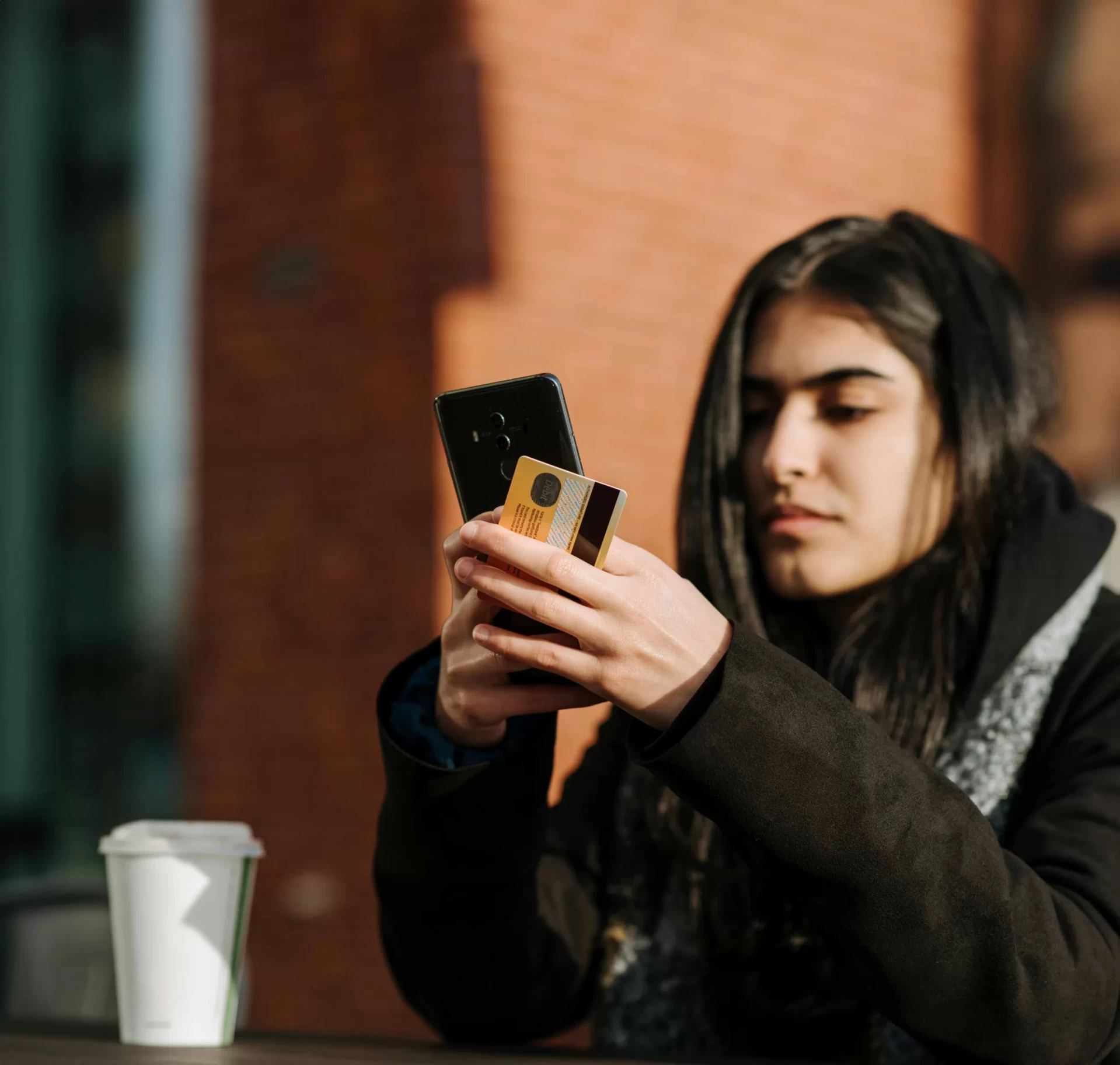
Turn your card on and off with Card Management.
Control is good. Today you can control your TV … your thermostat … even your lights, right from your mobile device. And now you can get that same kind of control over your Planters First Bank debit cards.
What you can do with Card Management...
- Turn your card on and off
- Set per-transaction spending limits based on various factors such as dollar amount, transaction type, or merchant type
- Receive alerts on all transaction attempts declined
- Set other instant alerts on all or select transactions
- Set a location boundary where the card can be used
- Set parental or employer controls and monitoring
- Receive Text Notification
Here’s how to set up Card Management Controls:
- Go to the Planters First Bank Mobile Banking app dashboard and select “Accounts,” then select the appropriate account
- Go to “Card Management” and choose a card
- Finally, tap “Alerts and Protection” and choose the controls you would like to apply to that card.
It’s just another way Planters First Bank helps you safely and securely manage your money.
Mobile Wallet – Upgraded for the Way You Pay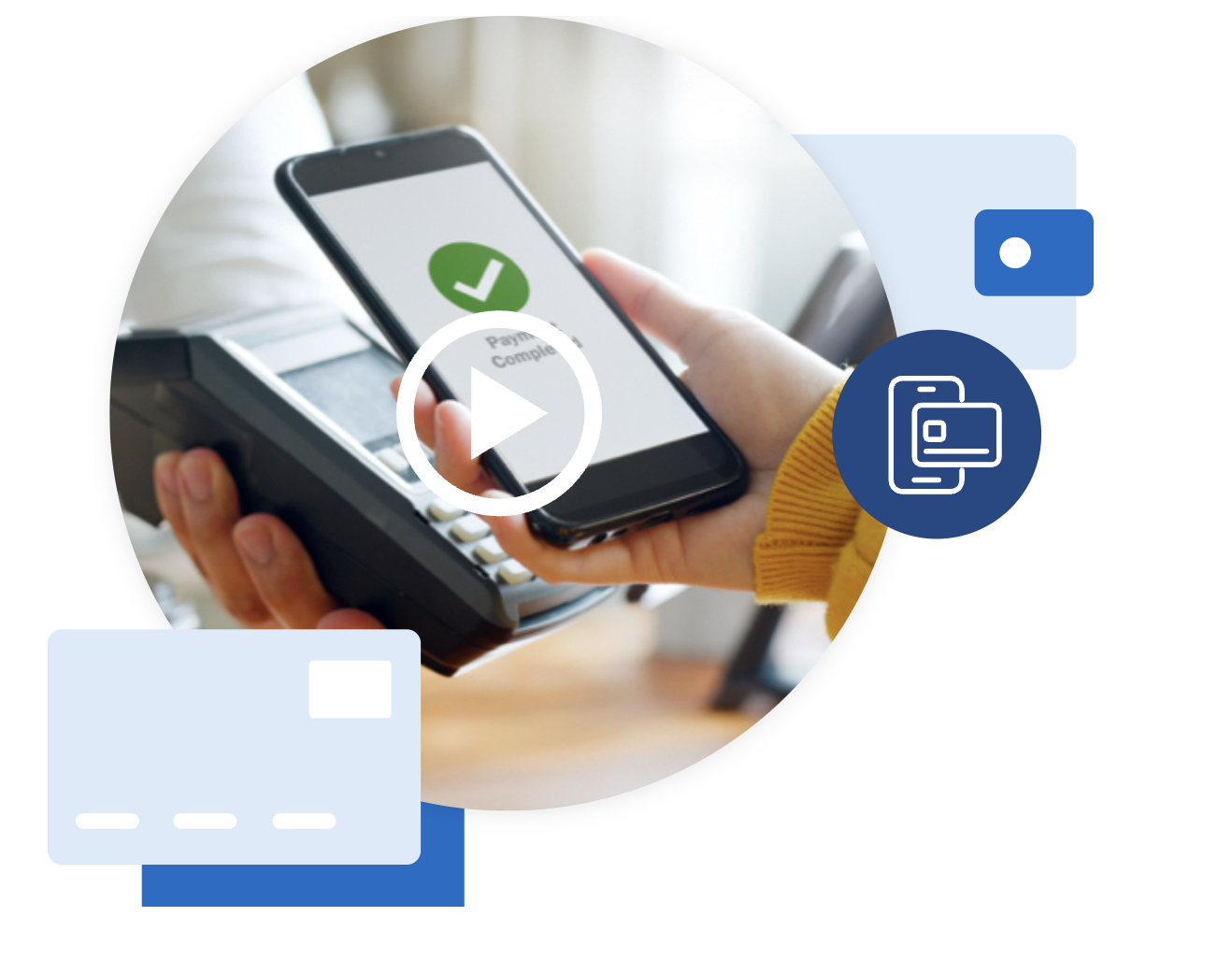
Your Planters First Bank cards are already designed for convenience. Your digital wallet makes it even better. It’s fast, secure, and always with you – so whether you’re grabbing coffee, shopping online, or splitting a bill, you can check out in seconds.
Ready to check out faster? Add your cards to your digital wallet and keep payments effortless.
Apple Pay® | Google Wallet™ | Samsung Wallet
Contactless Payment
 Paying is easy with our contactless card—just tap and go. If you see the wireless symbol on your card, you’re good to go. It’s just as secure as using a chip card. When you’re checking out, look for the same symbol on the payment terminal and tap your card to finish your purchase. That’s it!